
Clip block ISB - slot 5 | 1 - 6 mm
Product details
- Profile system
- ISB
- Slot type
- 5
- Material
- Glass fiber reinforced plastic [PA]
- HS-code
- 3926.90.97.90
Specifications
- Weight [grams]
- 3.40
Description
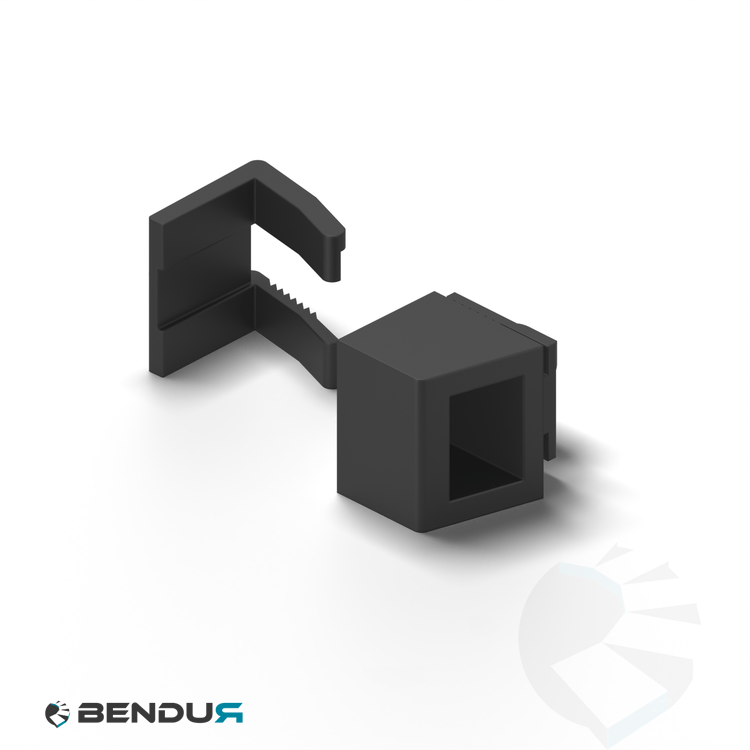
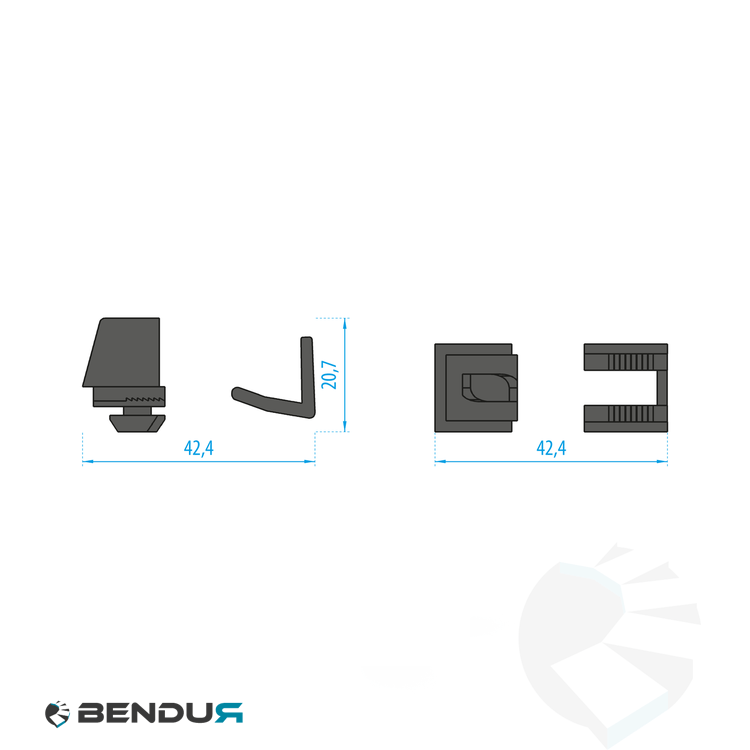
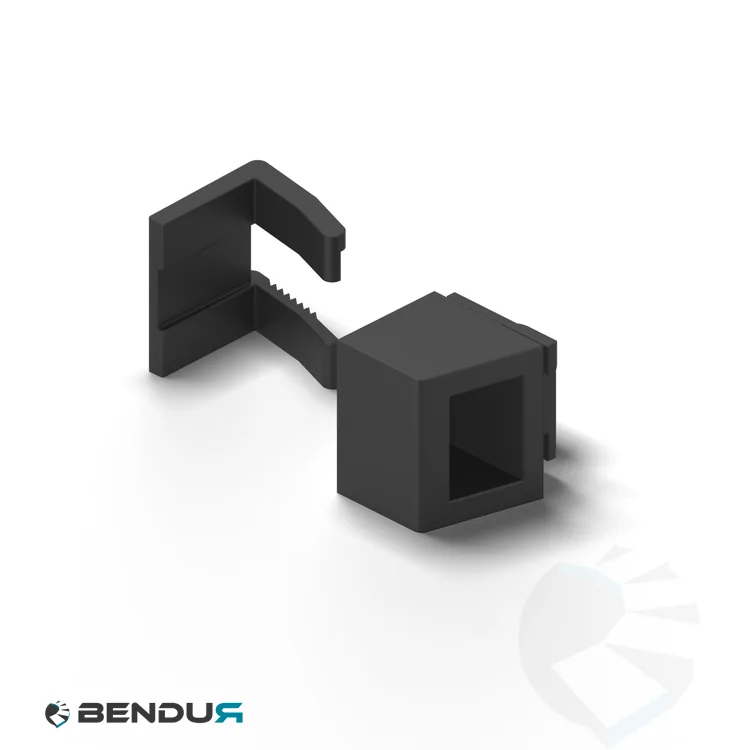
With this clip block you attach panels to an ISB profile without screws or tools. The block clicks into the slot and holds panels with a thickness of 1 - 6 mm.
- For ISB profiles, slot 5 and 6
- Panel thickness: 1 - 6 mm
- Material: glass fibre reinforced plastic (PA), black
- Weight: 3.4 g
How to mount a clip block
Example: Clip block BSB slot 8 on a BSB profile 30x30 slot 8, with a 4 mm panel. No screws or tools, even when the profile is already in place.
-

Step 1: Hold the clip block with its hammer foot in line with the slot and press it into the slot from the front.
-

Step 2: Turn the block a quarter turn. The hammer foot now sits across the slot and grips behind its edges.
-

Step 3: Stand the panel on the profile, against the straight side of the block.
-

Step 4: From the other side of the panel, slide the clip with its foot under the panel into the block.
-

Step 5: Press the clip in until it clamps the panel against the block. To release it, pull the clip out again.
Downloads
CAD files and documentation — download directly, no registration required.