
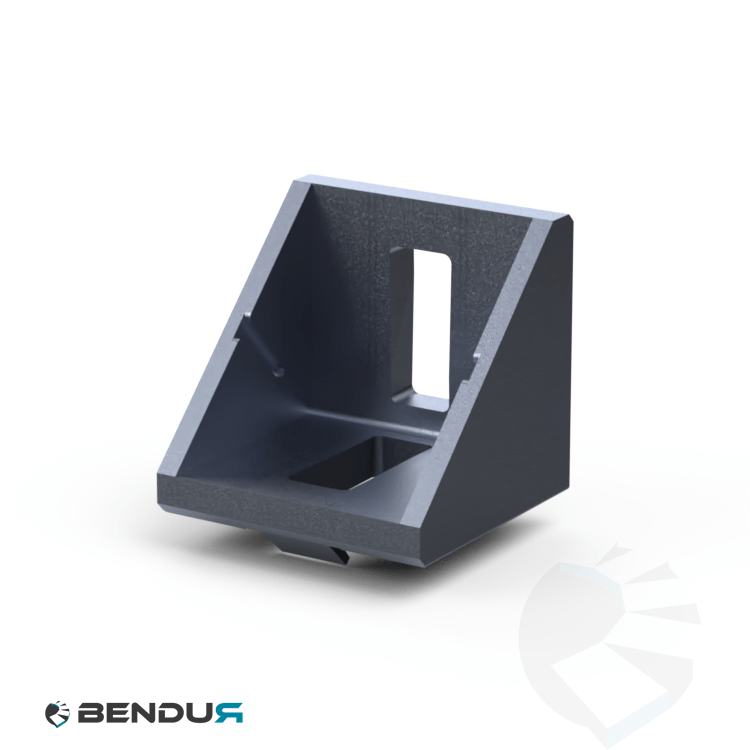
Aluminium corner connector BSB - slot 10 | 40x40
Product details
- Profile system
- BSB
- Slot type
- 10
- Material
- Aluminium die-cast
- HS-code
- 7616.99.10.99
Specifications
- Weight [grams]
- 33.80
Description
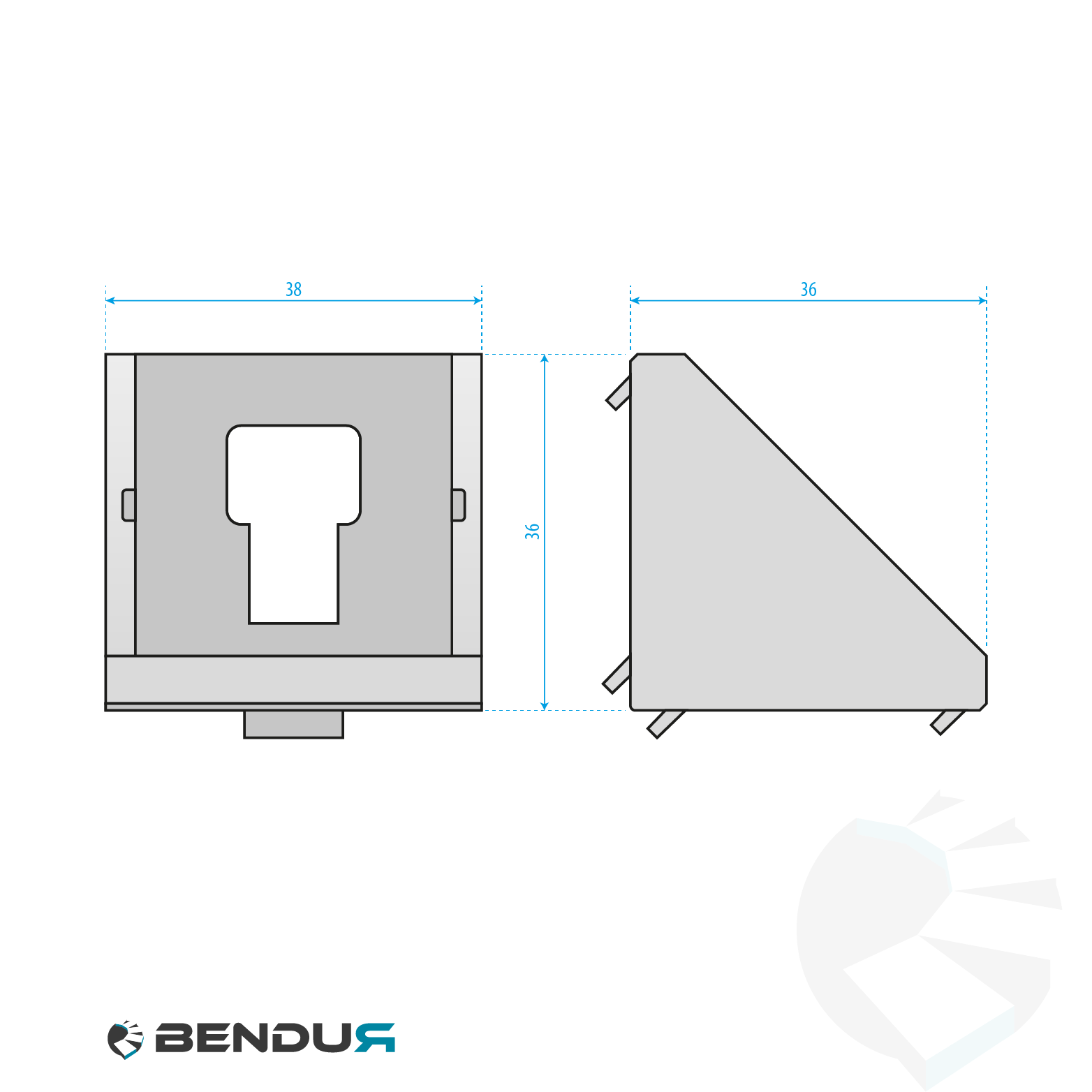
This die-cast aluminium corner connector joins two BSB profiles 40x40 at a right angle. You can also use it to fix a panel to a profile. It is made for slot 10.
This version comes without an assembly set: you add the slot nuts and screws yourself. The open side can be closed with the matching cover cap, sold separately.
- Material: die-cast aluminium, plain (uncoated)
- For BSB profiles 40x40, slot 10
- Cover cap: glass fibre reinforced plastic (PA), black, sold separately
- Also available with an assembly set
How to mount a corner connector
Example: BSB corner connector 40 with hammer head screws and flange nuts, on two 40x40 profiles.
-

Step 1: Turn the hammer heads in line with the slot. The nuts are still loose.
-

Step 2: Put the corner connector on the first profile. The hammer head drops into the slot.
-

Step 3: Slide the second profile down over the other hammer head.
-

Step 4: Tighten both nuts. The hammer head turns across and clamps in the slot.
-

Step 5: Optional: click a cover cap onto the corner connector. It is sold separately.
View the matching cover cap
Downloads
CAD files and documentation — download directly, no registration required.