
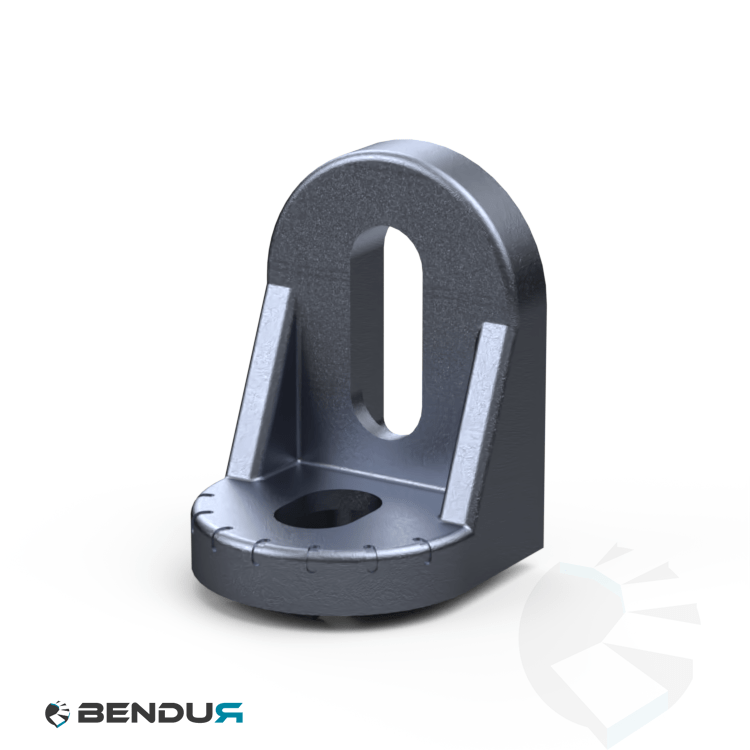
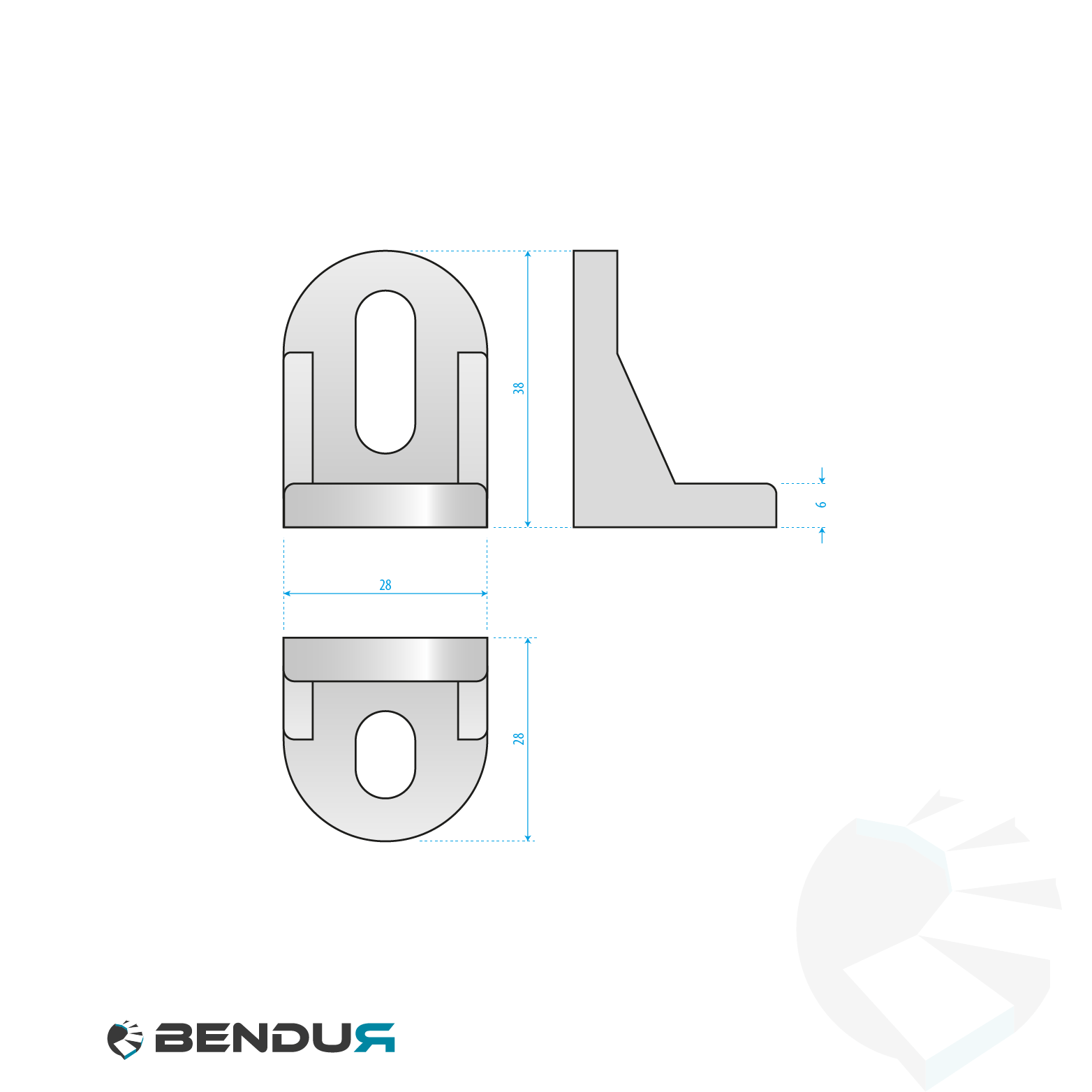
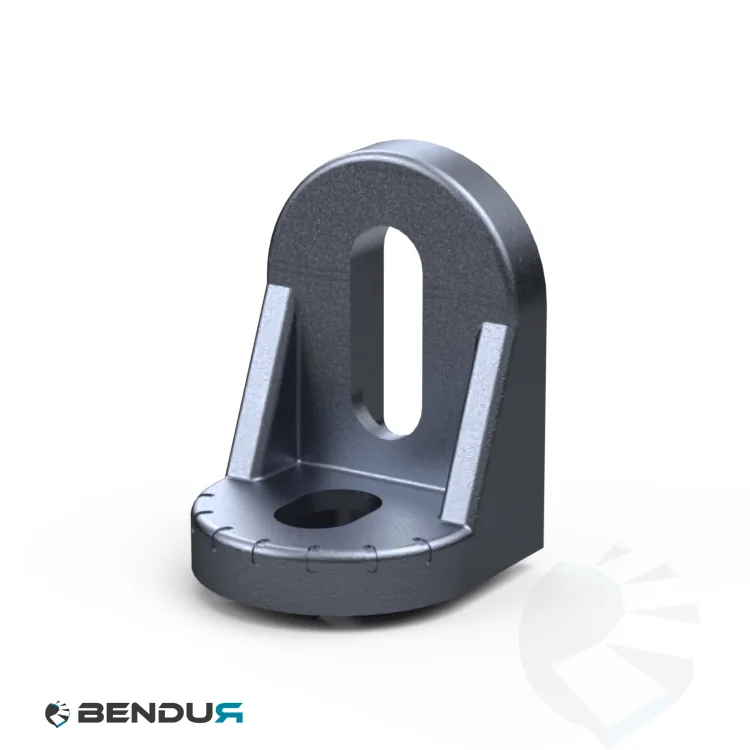
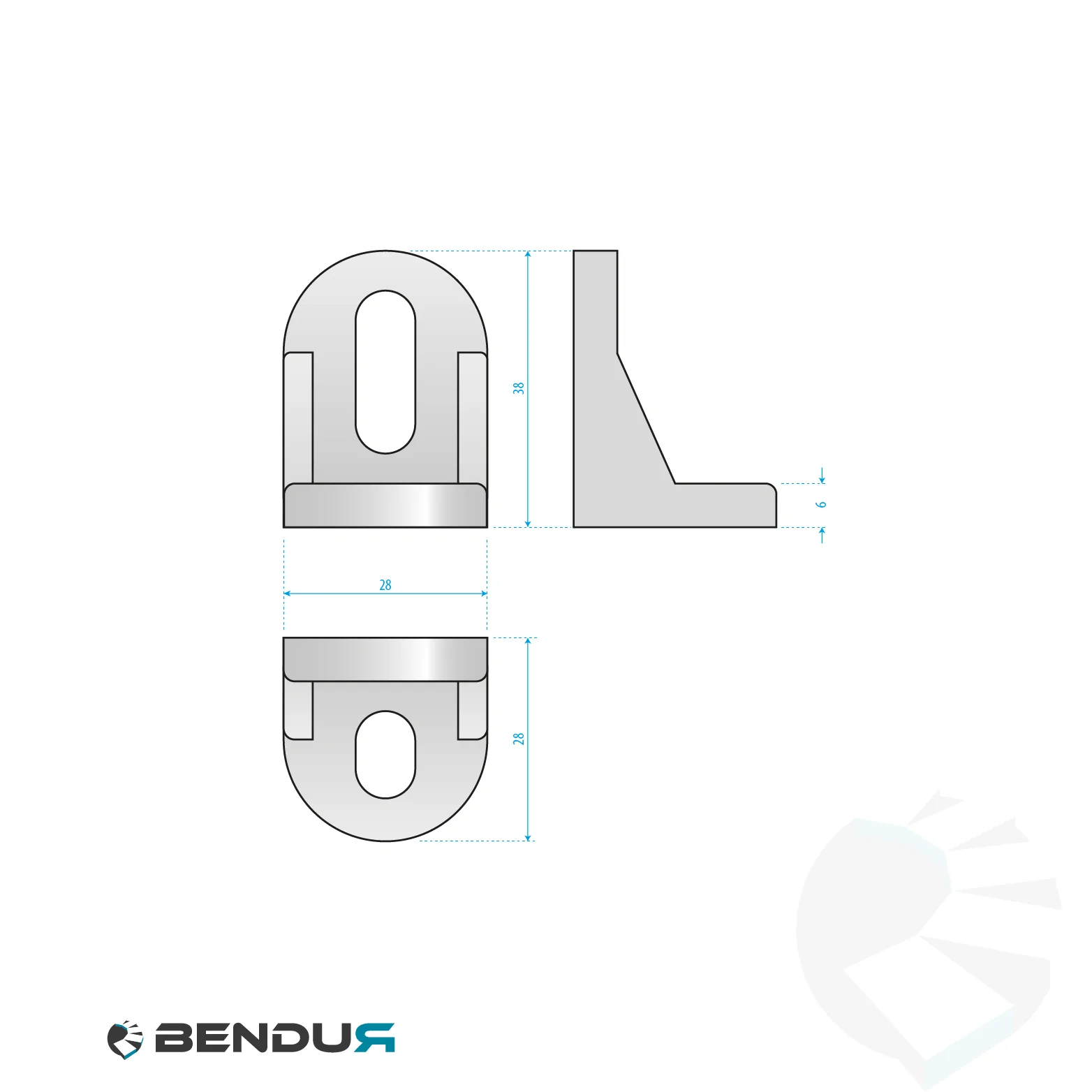
Aluminium turning angle bracket - slot 8 | 30
Product details
- Profile system
- NRB
- Slot type
- 1/7
- Material
- Aluminium die-cast
- HS-code
- 7616.99.10.99
- Profile system
- NRB
- Slot type
- 8
- Material
- Aluminium die-cast
- Profile system
- NRB
- Slot type
- 8/10
- Material
- Aluminium die-cast
Description
How to mount a turning angle bracket 30
Turning angle bracket 30 with assembly set: the foot on a lying profile with slot 8, the upright side on a post with slot 10, the profiles crosswise. Turn the lying profile about the M8 screw to set any angle from 0° to 180°. The bracket sold on its own comes without screws and hammer nuts.
-

Step 1: Put the bracket with its foot on the lying profile (slot 8) and slide the M6 hammer nut into the slot from the end.
-

Step 2: Put the M6x14 screw with the washer through the slotted hole in the foot and screw it into the hammer nut. Slide the bracket into place and tighten with a hex key.
-

Step 3: Slide the M8 hammer nut into the slot of the post (slot 10) from the top. Put the M8x16 screw through the upright side and set the lying profile with its side against the post, crosswise.
-

Step 4: Slide the profile to the height you want and tighten the M8 screw. The profiles now cross at right angles.
-

Step 5: Another angle: break off the two lugs on the back of the upright side with a screwdriver. Turn the profile about the M8 screw to the angle you want and tighten the screw again.
Downloads
CAD files and documentation — download directly, no registration required.